
Telegram API ID and API Hash: How to Get Them for TeleNav
TeleNav needs your Telegram API ID and API Hash to connect your own Telegram account through TDLib. This guide explains where to find those credentials, how to paste them into TeleNav, and how to keep them private.
What are Telegram API ID and API Hash?
Telegram API ID and API Hash are app credentials created on Telegram's official developer site. They identify a third-party Telegram client or app when it connects to Telegram services. TeleNav uses these values so its Android app can authorize your own Telegram account and store encrypted cloud drive data through Telegram.
The API ID is a number. The API Hash is a longer private value. You should copy both exactly as Telegram shows them.
Where to find Telegram API ID and API Hash
Go to my.telegram.org/apps. Telegram may first ask you to log in with your phone number. Enter the phone number connected to your Telegram account, receive the confirmation code in Telegram, and continue to the apps page.
After login, open API development tools. If you already created an application, Telegram will show the existing api_id and api_hash. If not, fill the app form to create one.
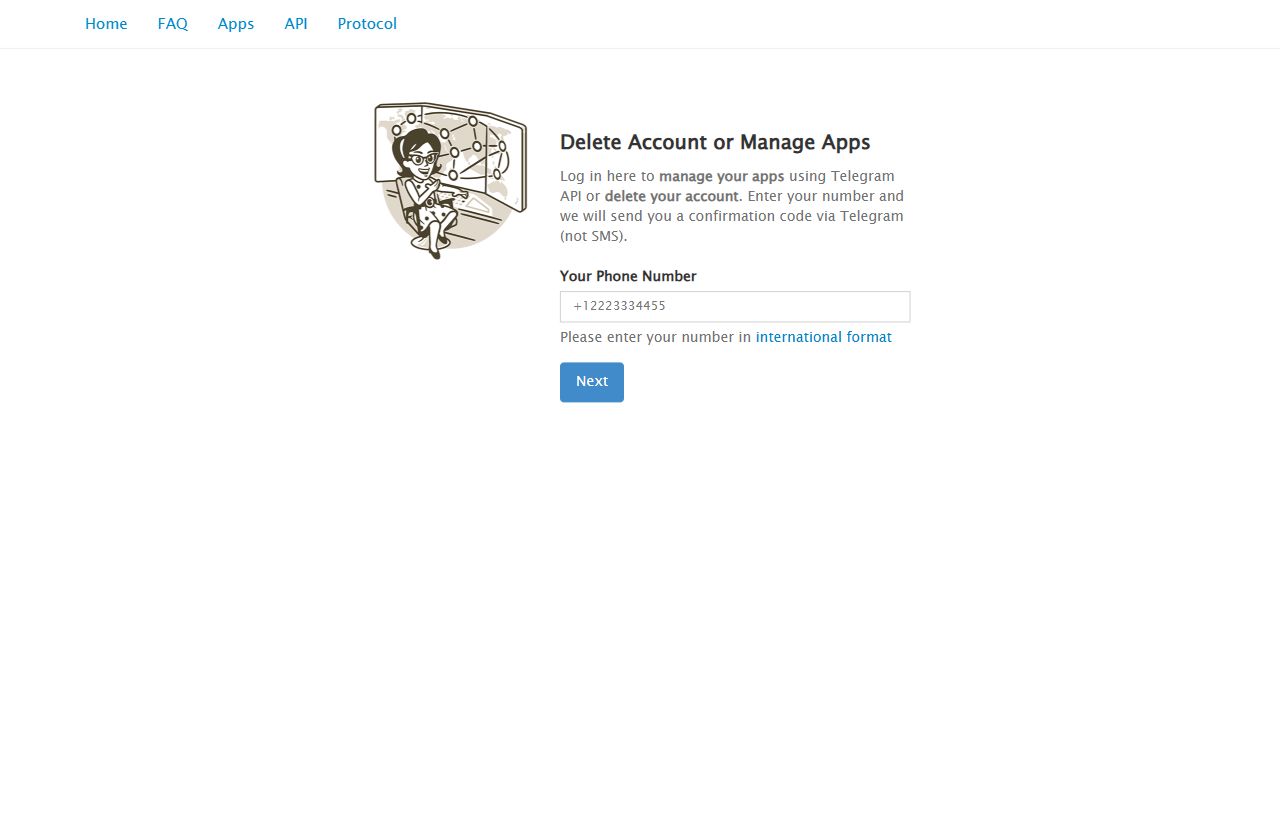
Step-by-step: create Telegram app credentials
- Open my.telegram.org/apps.
- Enter your Telegram phone number in international format.
- Enter the confirmation code sent by Telegram.
- Choose API development tools.
- Create an app if Telegram asks for app details.
- Copy the api_id and api_hash values.
For TeleNav, a simple app title such as TeleNav is enough. Choose the closest app platform option available for Android or mobile use.
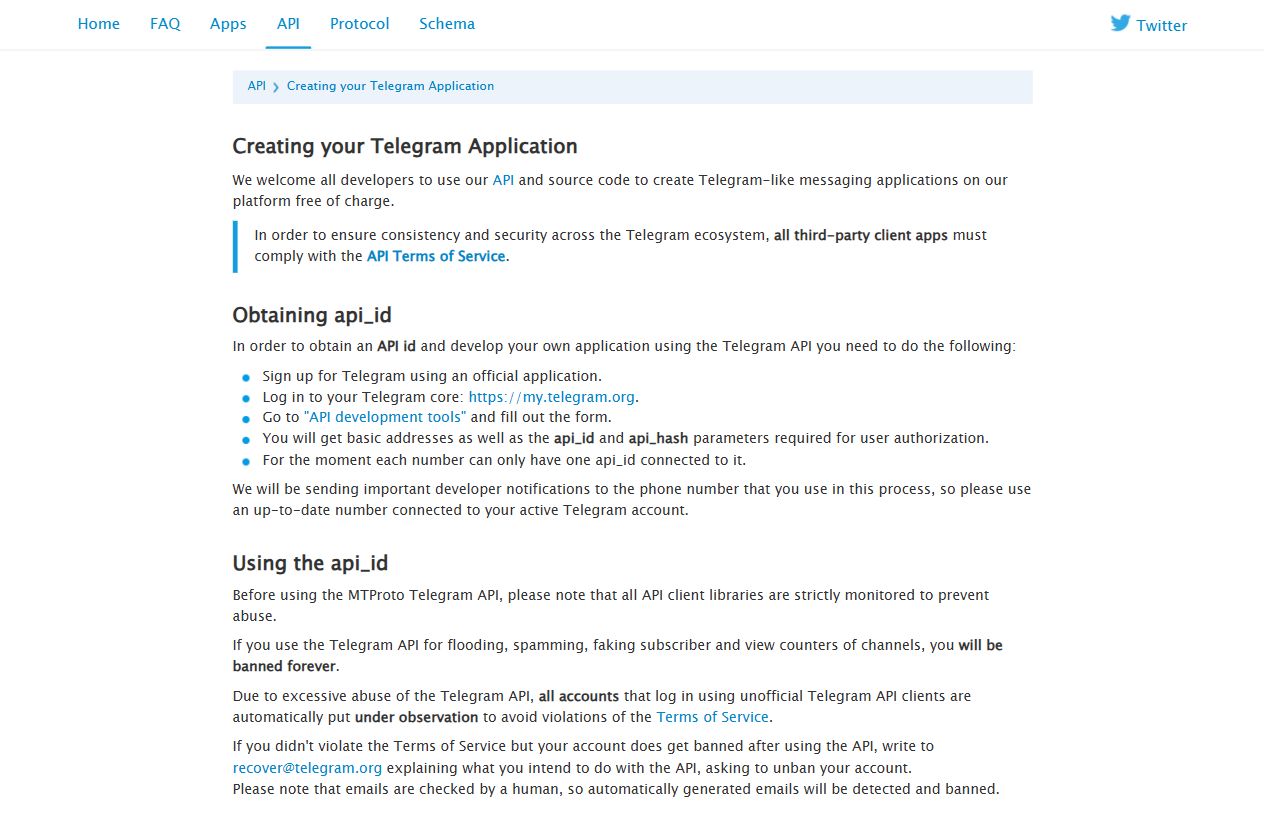
How to use API ID and API Hash in TeleNav
Open TeleNav and continue the first-run setup until you reach Set up Telegram API. Paste the numeric API ID into the API ID field, paste the API Hash into the API Hash field, then tap Save API Credentials.
TeleNav stores credentials securely on your device. You still need to protect your phone, your Telegram login code, and your TeleNav vault password.
Common mistakes to avoid
- Do not paste the phone number into the API ID field.
- Do not add extra spaces before or after the API Hash.
- Do not use screenshots that reveal your API Hash.
- Do not enter Telegram login codes on random websites.
- Do not create multiple Telegram apps unless you really need them.
Is Telegram API Hash safe to share?
No. Keep your API Hash private. It is not the same as your Telegram password, but it is still a sensitive app credential. If you contact support, describe the error without sending API Hash, OTP code, Telegram 2FA password, vault password, or recovery kit.
Why this matters for TeleNav setup
TeleNav is a Telegram-powered cloud drive for Android. The app encrypts file content and metadata locally before upload, then uses Telegram as the storage transport. The API credentials are part of the Telegram login and connection process, not a TeleNav account signup.
If you want the clean step-by-step documentation with screenshots, use the dedicated Telegram API ID and API Hash help page.
Need the short visual setup path? Open the TeleNav API help page, then return to the app and paste your credentials.
Open API Help Page